How to read jewellery product photos before you order
Every jewellery photo is taken closer, brighter and warmer than your eyes will ever see the piece. Here is how to adjust for that.
Zayr Studio··5 min read
Updated
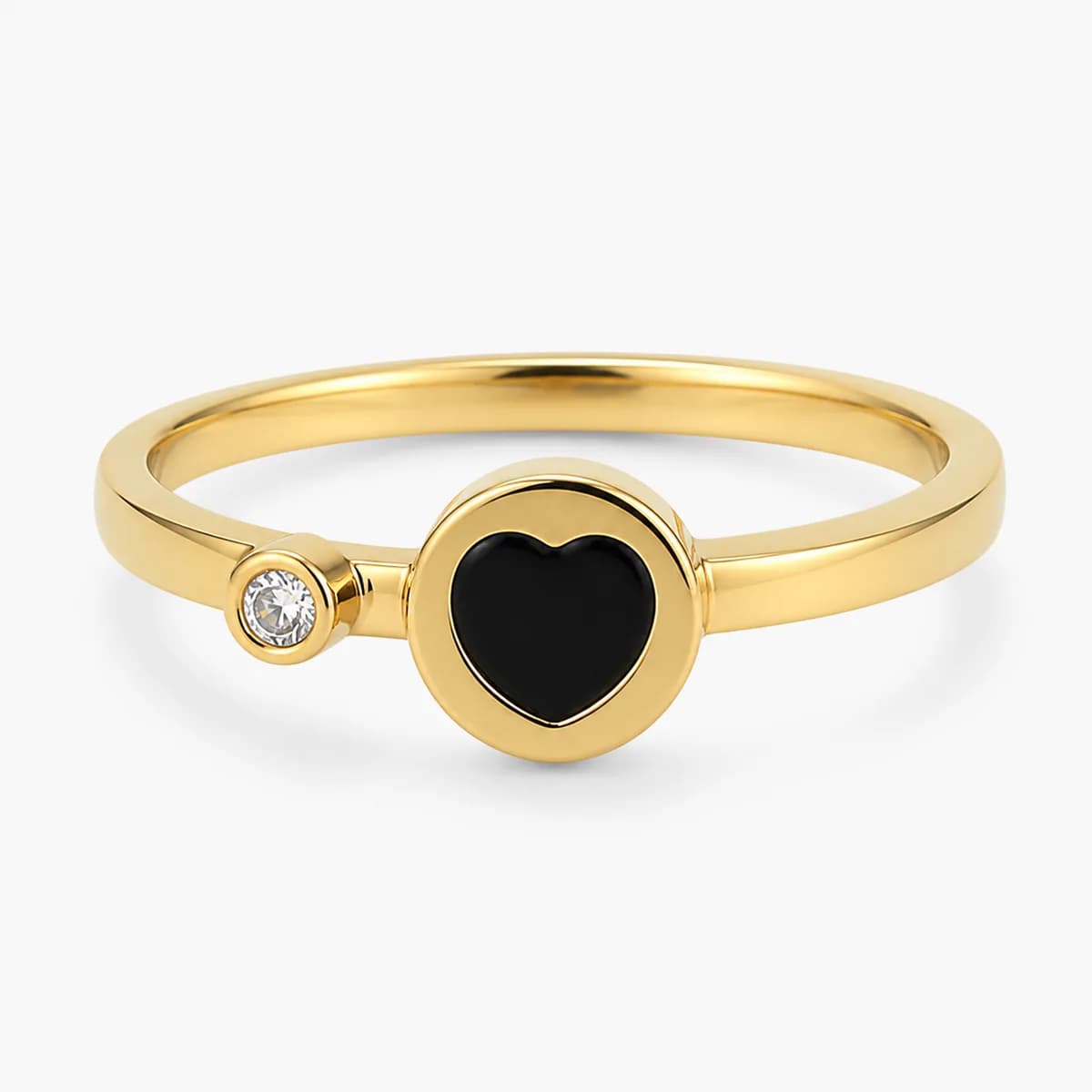
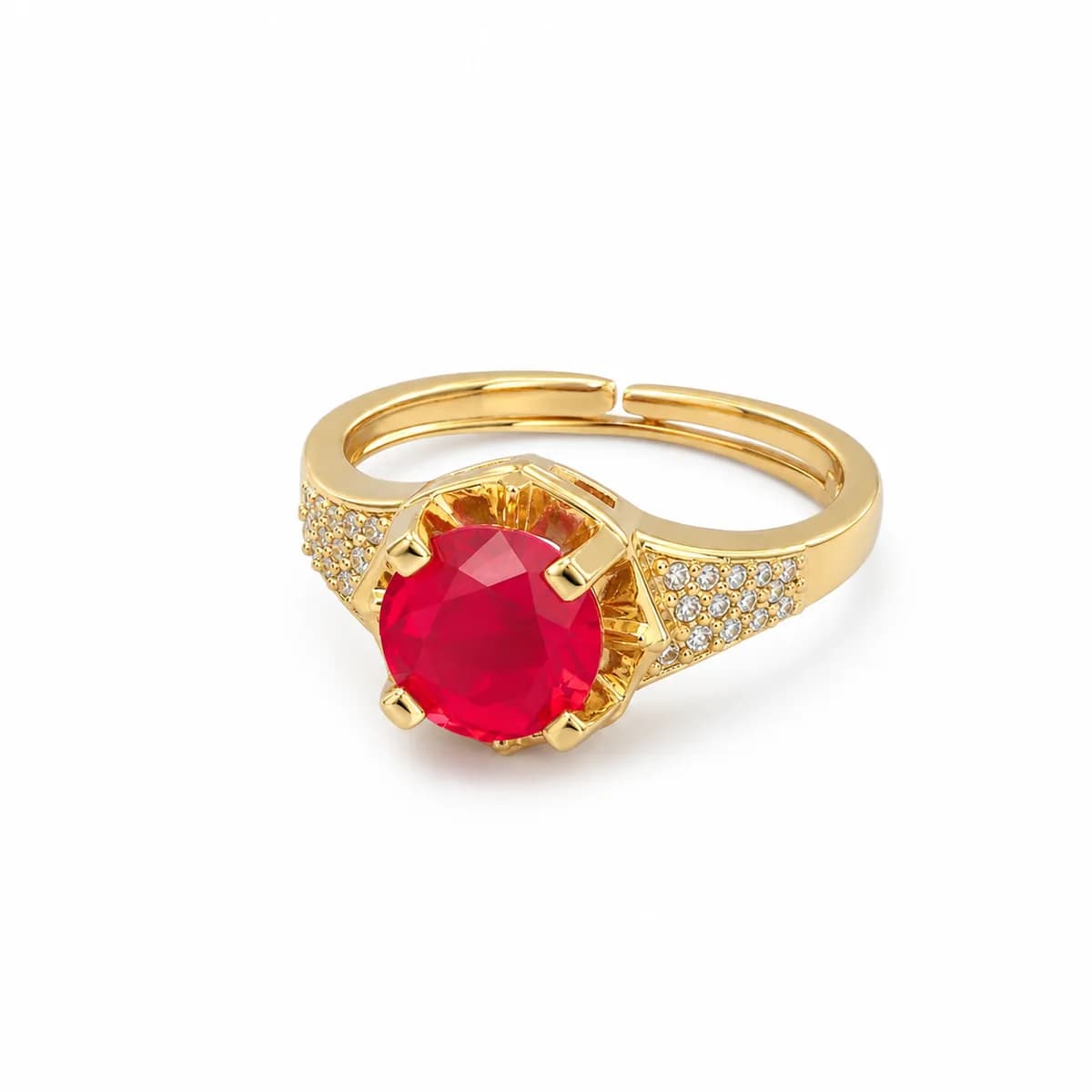
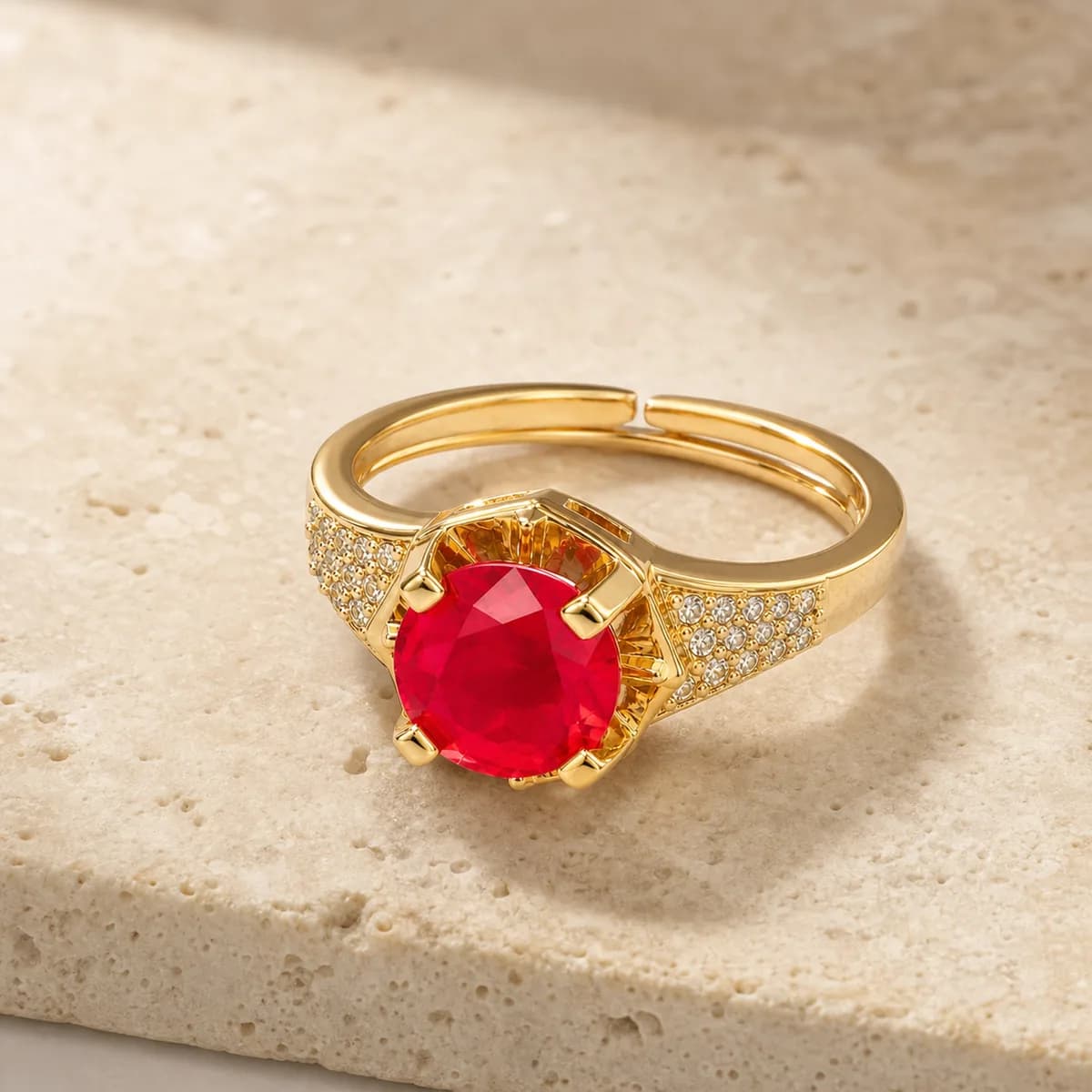
Jewellery product photos are almost always taken close up, under bright controlled light, which makes pieces look bigger, sparklier and sometimes a different shade than they are in person. To judge a piece properly, find a photo with something for scale, check the stated measurements in millimetres and centimetres, and assume the colour will look slightly softer in normal indoor light. The measurements, not the image, tell you what will arrive.
None of this means photos are dishonest. A 2 mm band photographed at its real size would be invisible on a phone screen. It just means you need to read them the way a jeweller would, with a ruler in mind.
Scale: how big is it really?
A close-up fills the frame whether the piece is 5 mm or 5 cm. The only way to judge size from a photo is to find something of known size next to it.
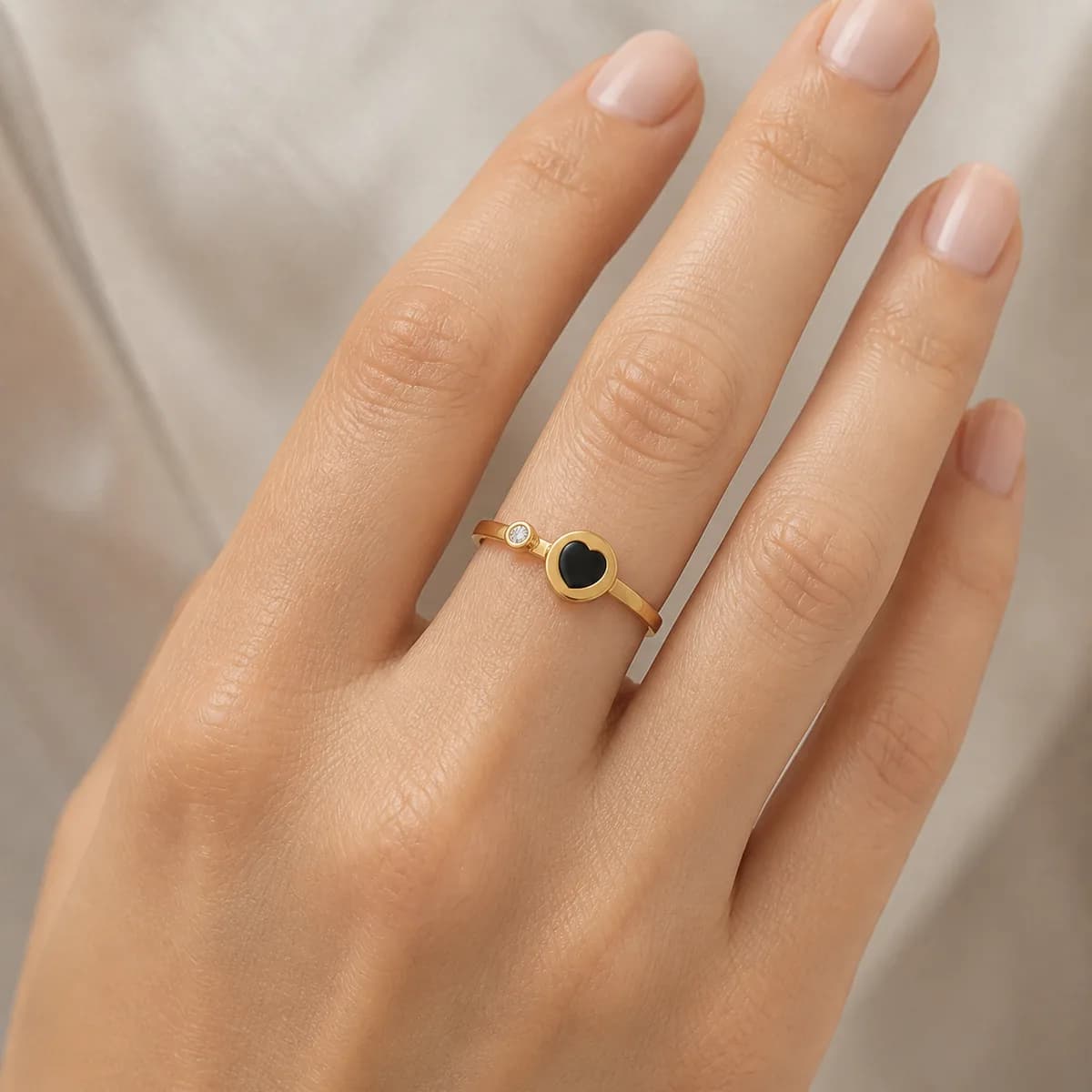
A photo of the piece being worn. A hand, wrist or neckline is the most useful reference you will get.
A coin or ruler in the frame. Some sellers include one precisely so you can judge.
Other pieces from the same range shown together, where one of them has stated measurements.
The absence of any of these. If every photo is a close-up on a plain background, rely entirely on the numbers.
Macro shots: why stones look huge
Common questions
Why does jewellery look smaller in real life than in the photo?
Most jewellery photos are close-ups that fill the frame, so small pieces look large. Hand models with slim fingers exaggerate this further for rings. Check the stated measurements in millimetres and compare them to something you own before ordering.
Why does gold jewellery look a different colour at home?
Product photos are taken under controlled, often warm, studio lighting and then edited, and every phone screen displays colour a little differently. In ordinary indoor light, gold tones usually look slightly softer. A photo of the piece being worn gives the most realistic idea of colour.
What measurements should a jewellery listing include?
Rings should give band width and stone size in millimetres. Necklaces and chains should give length in centimetres and width in millimetres. Pendants should give height and width, bangles the inner diameter, and earrings the drop length. If a measurement is missing, ask the seller before ordering.
How can I tell if a jewellery photo is a render or a stock image?
Renders look too perfect, with flawless reflections and no texture or dust. Stock images appear on several unrelated websites and pages. Real photos show small imperfections and consistent backgrounds across the seller’s range. When in doubt, ask for a short video of the actual piece.
Ready when you are
Bank or wallet payment nationwide, exchanges on sizing.
How to read jewellery product photos before you order
Every jewellery photo is taken closer, brighter and warmer than your eyes will ever see the piece. Here is how to adjust for that.
Zayr Studio··5 min read
Updated
Jewellery product photos are almost always taken close up, under bright controlled light, which makes pieces look bigger, sparklier and sometimes a different shade than they are in person. To judge a piece properly, find a photo with something for scale, check the stated measurements in millimetres and centimetres, and assume the colour will look slightly softer in normal indoor light. The measurements, not the image, tell you what will arrive.
None of this means photos are dishonest. A 2 mm band photographed at its real size would be invisible on a phone screen. It just means you need to read them the way a jeweller would, with a ruler in mind.
Scale: how big is it really?
A close-up fills the frame whether the piece is 5 mm or 5 cm. The only way to judge size from a photo is to find something of known size next to it.
A photo of the piece being worn. A hand, wrist or neckline is the most useful reference you will get.
A coin or ruler in the frame. Some sellers include one precisely so you can judge.
Other pieces from the same range shown together, where one of them has stated measurements.
The absence of any of these. If every photo is a close-up on a plain background, rely entirely on the numbers.
Macro shots: why stones look huge
Common questions
Why does jewellery look smaller in real life than in the photo?
Most jewellery photos are close-ups that fill the frame, so small pieces look large. Hand models with slim fingers exaggerate this further for rings. Check the stated measurements in millimetres and compare them to something you own before ordering.
Why does gold jewellery look a different colour at home?
Product photos are taken under controlled, often warm, studio lighting and then edited, and every phone screen displays colour a little differently. In ordinary indoor light, gold tones usually look slightly softer. A photo of the piece being worn gives the most realistic idea of colour.
What measurements should a jewellery listing include?
Rings should give band width and stone size in millimetres. Necklaces and chains should give length in centimetres and width in millimetres. Pendants should give height and width, bangles the inner diameter, and earrings the drop length. If a measurement is missing, ask the seller before ordering.
How can I tell if a jewellery photo is a render or a stock image?
Renders look too perfect, with flawless reflections and no texture or dust. Stock images appear on several unrelated websites and pages. Real photos show small imperfections and consistent backgrounds across the seller’s range. When in doubt, ask for a short video of the actual piece.
Ready when you are
Bank or wallet payment nationwide, exchanges on sizing.
Macro photos, taken with the lens very close, show every facet of a stone and every link of a chain. They are useful for checking finish and setting quality. They are useless for judging size.
A 3 mm stone in a macro shot can look like a centrepiece. In person, 3 mm is smaller than a peppercorn. If a listing gives stone size, trust that over the photo every time. The guide to women’s ring styles explains which settings make small stones read bigger in real life, rather than only on camera.
The measurements that actually matter
These are the numbers to look for on a listing. If they are not there, ask. A seller who holds the stock can measure it in a minute.
Piece
Measurement to find
How to picture it
Ring band
Band width in mm
1.5–2 mm is delicate, 3–4 mm is noticeable, 6 mm and up is bold
Ring stone
Stone diameter in mm
Draw the circle on paper and hold it against your finger
Necklace
Chain length in cm
Lay a measuring tape around your neck to see where it falls
Chain
Width in mm
Compare to a pencil lead, a spaghetti strand or a phone charging cable
Pendant
Height and width in mm
Cut a paper shape to size and hold it at your collarbone
Bangle
Inner diameter in mm or cm
Measure an existing bangle that fits you
Bracelet
Length in cm and width in mm
Wrap a strip of paper at that length around your wrist
Earrings
Drop length in mm
Hold a ruler from your earlobe downward in a mirror
The paper trick sounds childish and works extremely well. Cutting a pendant shape or drawing a stone circle to the stated size takes a minute and removes most “it looked bigger in the picture” disappointments. For necklaces specifically, the women’s necklace length guide shows where each length sits, and for bangles, the bangle and cuff size guide explains inner diameter.
Colour shift: why gold looks different at home
Colour in a product photo depends on the light, the camera’s white balance, editing, and your own screen. The same gold-tone ring can look yellow, peachy or pale depending on all four.
Warm studio lighting makes gold look richer and rose tones look pinker.
Cool or daylight-balanced light makes silver and rhodium look brighter and whiter.
Phone screens differ. A night-mode or warm-tint display setting shifts every colour you see.
Coloured stones are the most affected. A pink stone can photograph as red, and a pale blue can look almost clear.
The best clue is a photo of the piece being worn, where you can compare its colour to skin and clothing that look natural. If the whole image looks warm, including the skin, the gold is probably less yellow in reality.
Lighting: sparkle is partly the lamp
Clear stones and polished metal sparkle by reflecting light. Studio photos use small bright lights placed to create points of sparkle. In a room lit by a ceiling light, or outdoors on an overcast day, the same stone sparkles less. That is true of every stone, including real diamonds, so do not take it as a sign that a piece is poor quality.
Our women’s rings are rhodium- or gold-plated over a hypoallergenic base and set with cubic zirconia, and they sparkle well in ordinary light, but no piece will look exactly as it does under studio lamps.
Renders, stock images and real photos
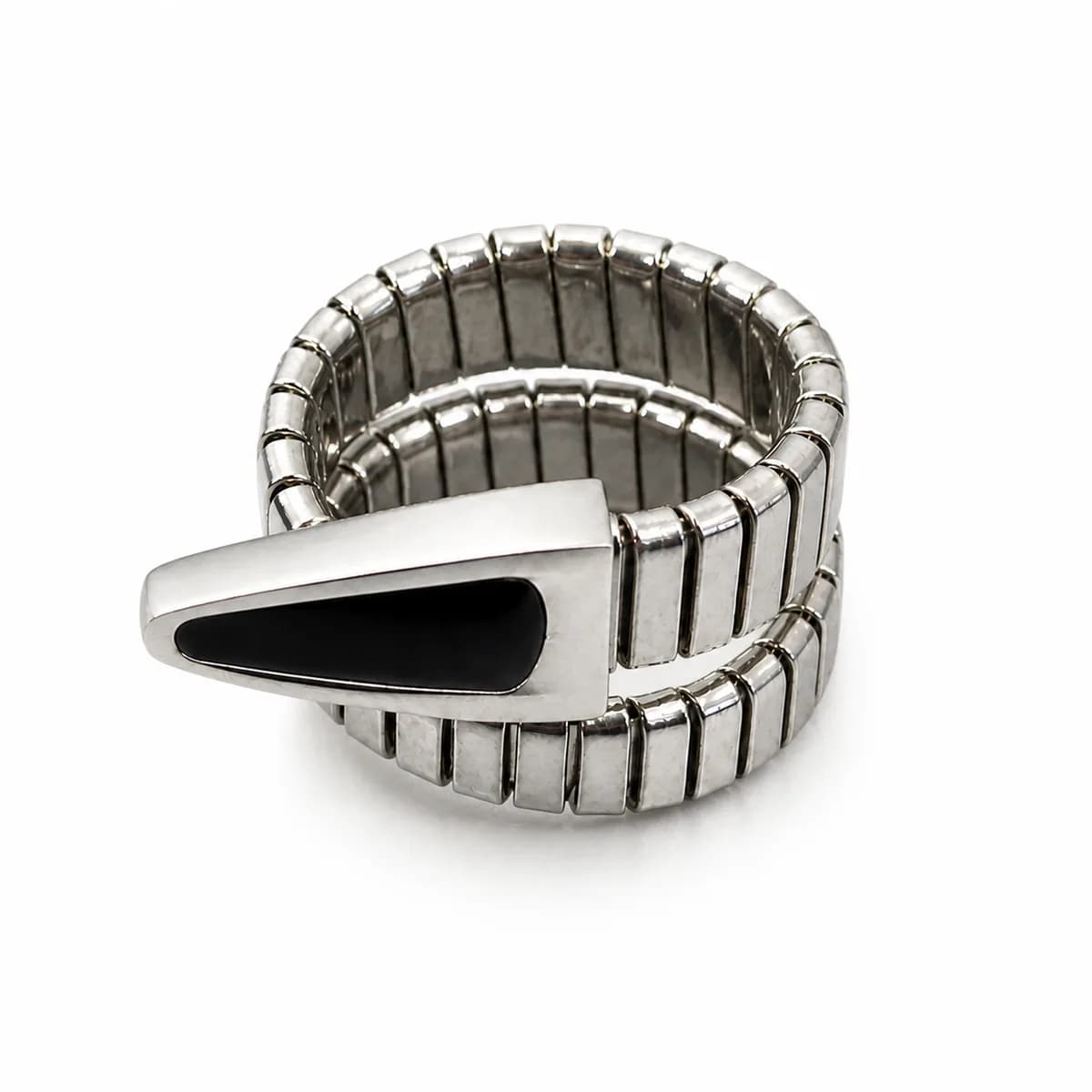
1Renders are computer-generated images. They look flawless, often with perfectly even reflections and no dust or texture. They show design, not the made piece.
2Stock or supplier photos may be of the design rather than the exact item. The same image appearing on several unrelated pages is the giveaway.
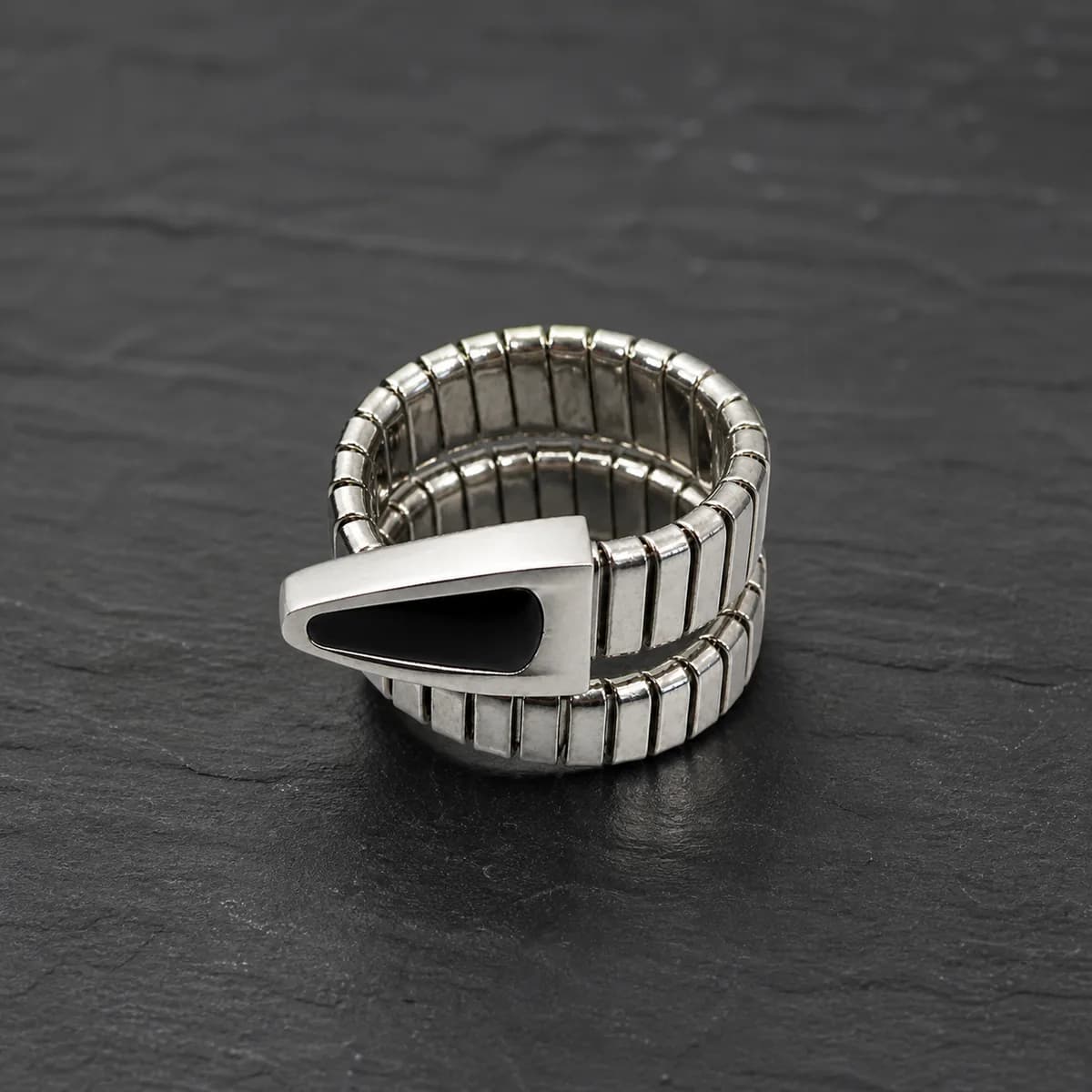
3Real photos show small imperfections, slightly uneven lighting and consistent backgrounds across a seller’s range. They are the most trustworthy even when they are less beautiful.
If all you can find are renders or stock images, ask the seller for a quick phone video of the piece in hand. It is the single best check on photos, and it fits into the broader list of what to check before buying jewellery online.
Look at the photo to decide whether you like it. Look at the numbers to decide whether it is what you think it is.
Macro photos, taken with the lens very close, show every facet of a stone and every link of a chain. They are useful for checking finish and setting quality. They are useless for judging size.
A 3 mm stone in a macro shot can look like a centrepiece. In person, 3 mm is smaller than a peppercorn. If a listing gives stone size, trust that over the photo every time. The guide to women’s ring styles explains which settings make small stones read bigger in real life, rather than only on camera.
The measurements that actually matter
These are the numbers to look for on a listing. If they are not there, ask. A seller who holds the stock can measure it in a minute.
Piece
Measurement to find
How to picture it
Ring band
Band width in mm
1.5–2 mm is delicate, 3–4 mm is noticeable, 6 mm and up is bold
Ring stone
Stone diameter in mm
Draw the circle on paper and hold it against your finger
Necklace
Chain length in cm
Lay a measuring tape around your neck to see where it falls
Chain
Width in mm
Compare to a pencil lead, a spaghetti strand or a phone charging cable
Pendant
Height and width in mm
Cut a paper shape to size and hold it at your collarbone
Bangle
Inner diameter in mm or cm
Measure an existing bangle that fits you
Bracelet
Length in cm and width in mm
Wrap a strip of paper at that length around your wrist
Earrings
Drop length in mm
Hold a ruler from your earlobe downward in a mirror
The paper trick sounds childish and works extremely well. Cutting a pendant shape or drawing a stone circle to the stated size takes a minute and removes most “it looked bigger in the picture” disappointments. For necklaces specifically, the women’s necklace length guide shows where each length sits, and for bangles, the bangle and cuff size guide explains inner diameter.
Colour shift: why gold looks different at home
Colour in a product photo depends on the light, the camera’s white balance, editing, and your own screen. The same gold-tone ring can look yellow, peachy or pale depending on all four.
Warm studio lighting makes gold look richer and rose tones look pinker.
Cool or daylight-balanced light makes silver and rhodium look brighter and whiter.
Phone screens differ. A night-mode or warm-tint display setting shifts every colour you see.
Coloured stones are the most affected. A pink stone can photograph as red, and a pale blue can look almost clear.
The best clue is a photo of the piece being worn, where you can compare its colour to skin and clothing that look natural. If the whole image looks warm, including the skin, the gold is probably less yellow in reality.
Lighting: sparkle is partly the lamp
Clear stones and polished metal sparkle by reflecting light. Studio photos use small bright lights placed to create points of sparkle. In a room lit by a ceiling light, or outdoors on an overcast day, the same stone sparkles less. That is true of every stone, including real diamonds, so do not take it as a sign that a piece is poor quality.
Our women’s rings are rhodium- or gold-plated over a hypoallergenic base and set with cubic zirconia, and they sparkle well in ordinary light, but no piece will look exactly as it does under studio lamps.
Renders, stock images and real photos
1Renders are computer-generated images. They look flawless, often with perfectly even reflections and no dust or texture. They show design, not the made piece.
2Stock or supplier photos may be of the design rather than the exact item. The same image appearing on several unrelated pages is the giveaway.
3Real photos show small imperfections, slightly uneven lighting and consistent backgrounds across a seller’s range. They are the most trustworthy even when they are less beautiful.
If all you can find are renders or stock images, ask the seller for a quick phone video of the piece in hand. It is the single best check on photos, and it fits into the broader list of what to check before buying jewellery online.
Look at the photo to decide whether you like it. Look at the numbers to decide whether it is what you think it is.